1.Download and install HiDownload
Platinum
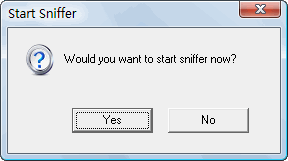
2.Run HiDownload Platinum, Click the <Yes> button
when "start sniffer" shown
3.Open the Youku.com
website, play the video
4.Sniffer detected the video stream's downloadable URLs,
and show them in sniffer list

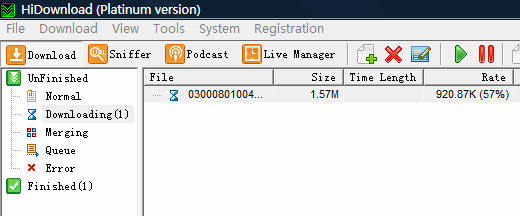
5.HiDownload Platinum download them automatically.
Note: If you use VPN, then sniffer maybe
be disable, then you need use "Flv
Filter" to get the video's URLs.
Updated: Aug 3, 2009
|



 Download
flv video from youku.com and other Flv Video websites
Download
flv video from youku.com and other Flv Video websites